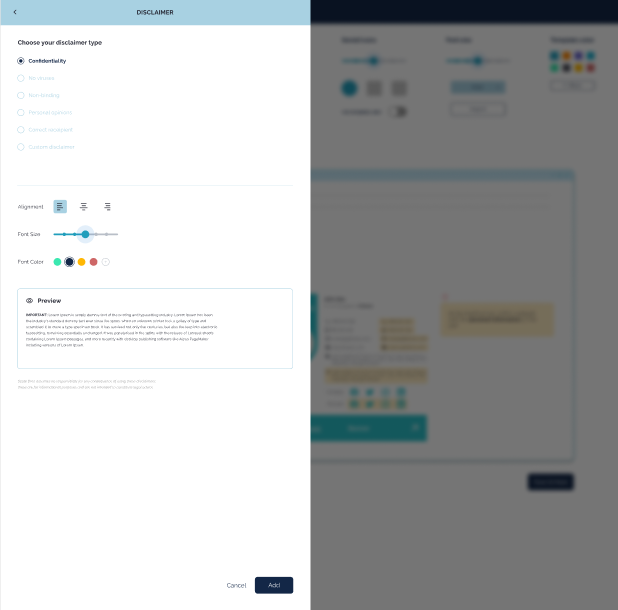
To add a Disclaimer into your email signature
Go to Dashboard
Click on the Edit signature icon
On the top left screen, you will find 4 different options; select the “Apps” icon
The Apps icon has various different features to add to your signature - click on ‘Disclaimer’ option
You can customize your disclaimer and click on the “Add”
Disclaimer will be added to your signature.